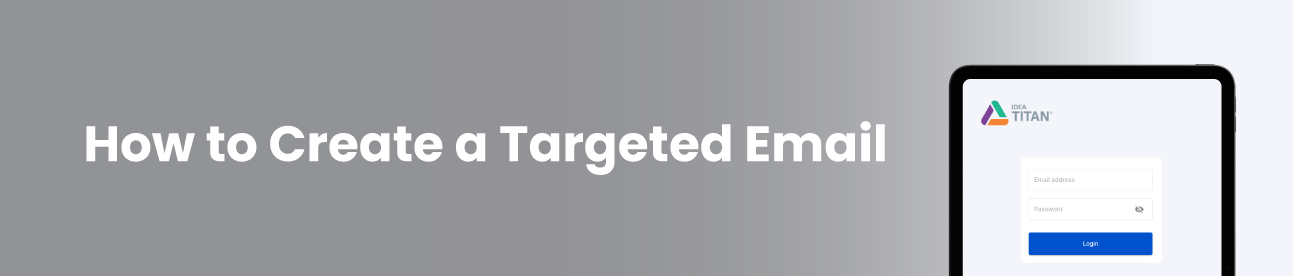
1. Login to Titan

2. Click Create New Order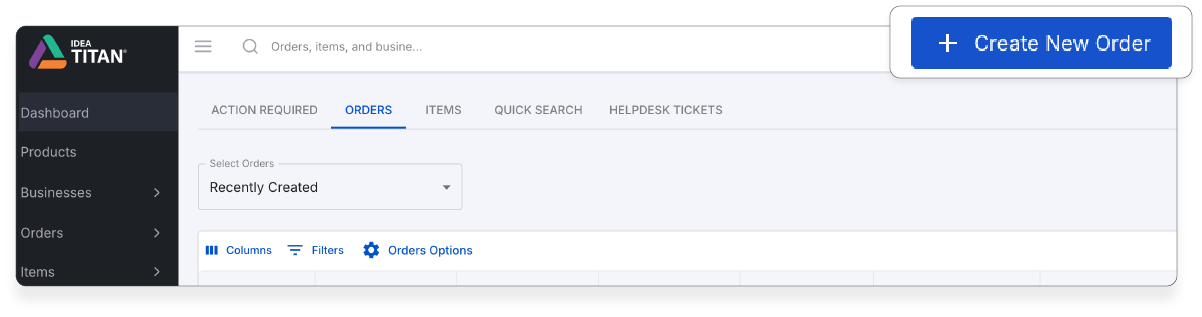
3. Find your business profile or create a new one.
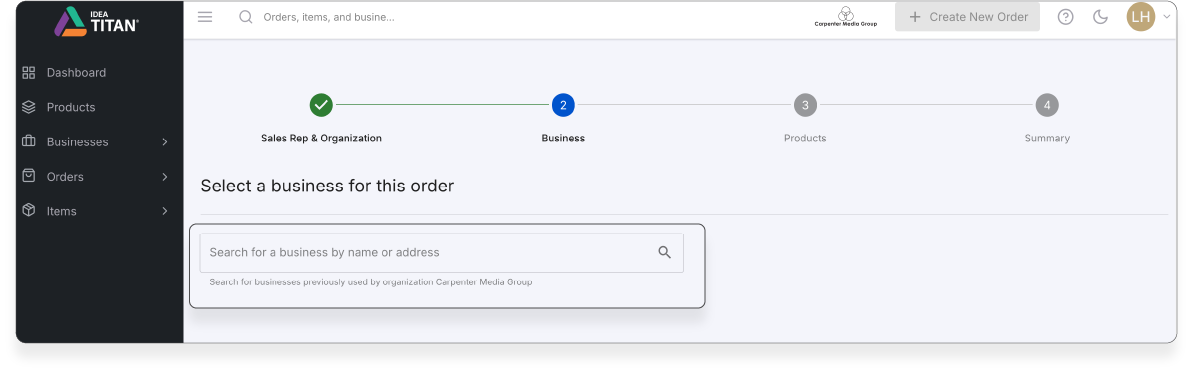
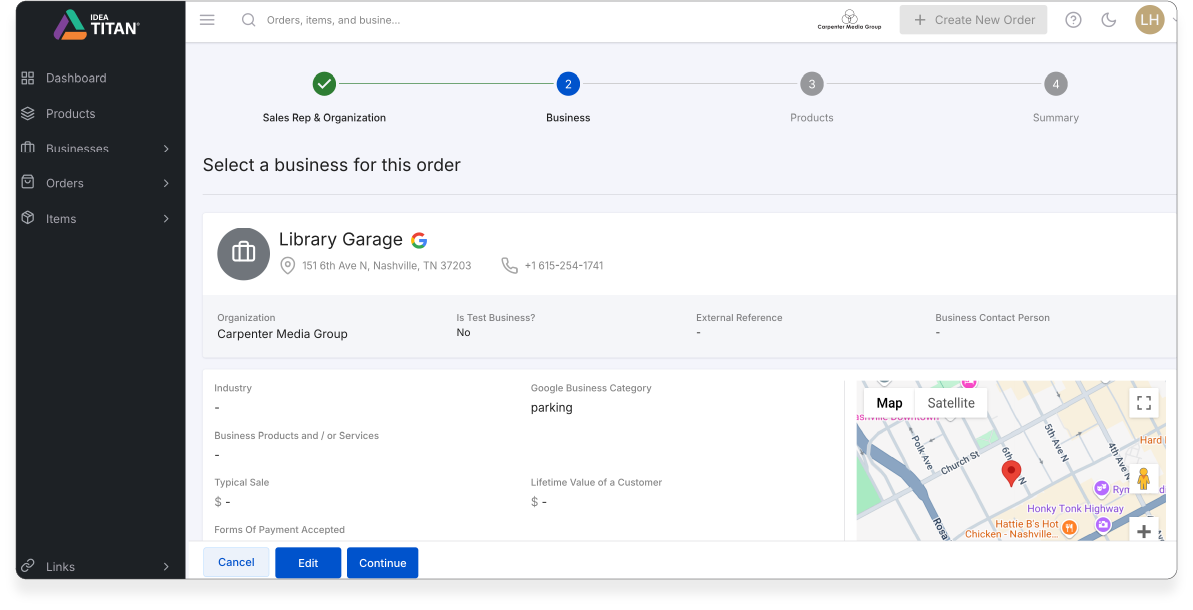
4. You will then be directed to a products page scroll down to Paid Media - Email,find Targeted Email.
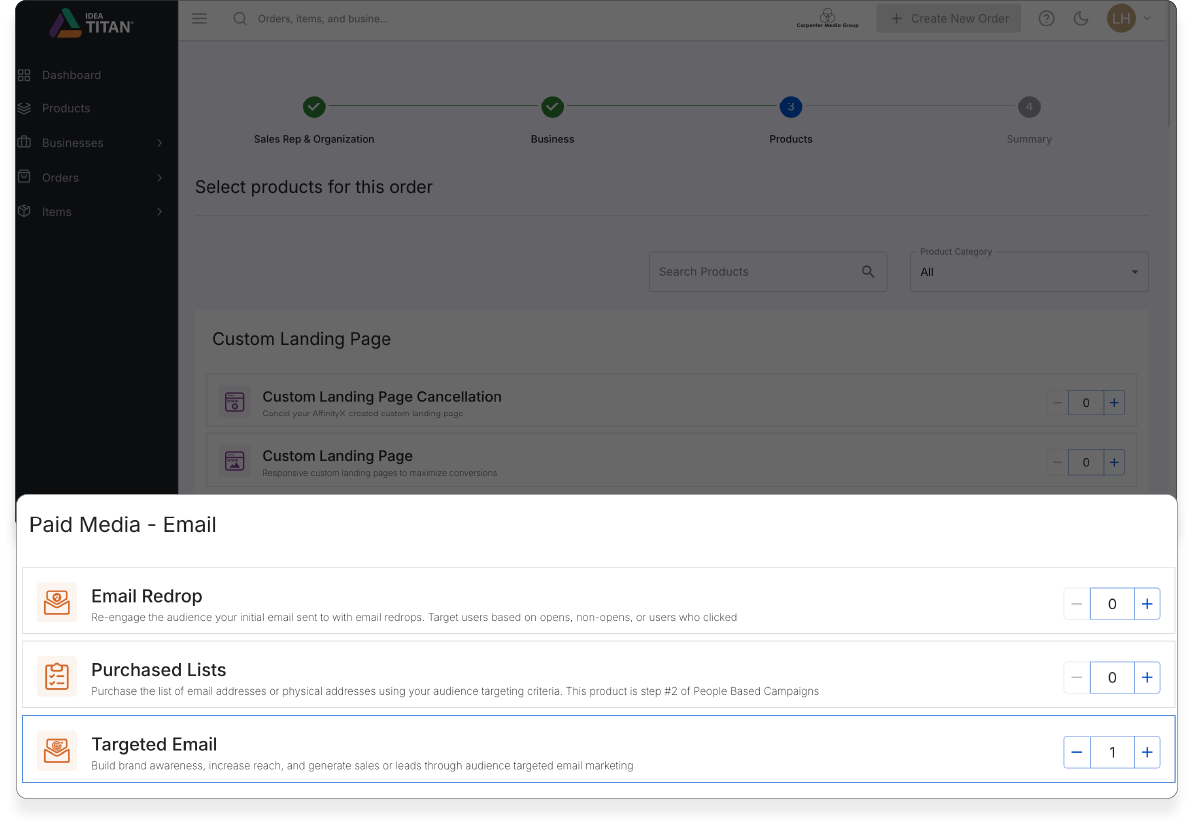
5. Click + 1 and then Next.

6. Click Create Order. You will be directed to the Target Email Order Summary. Fill in all the details especially all the input fields that indicate (*).
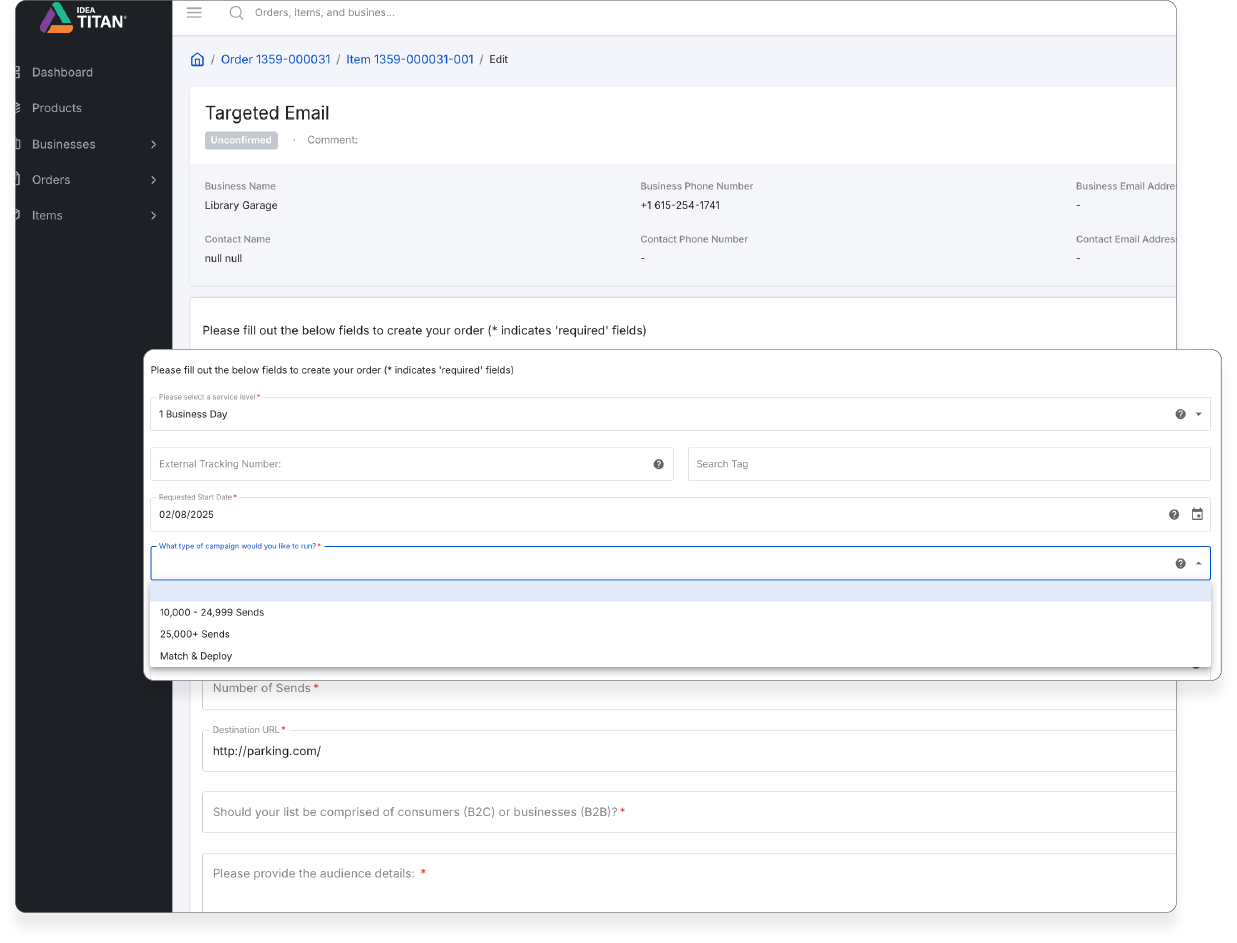
7. Click, review and confirm.
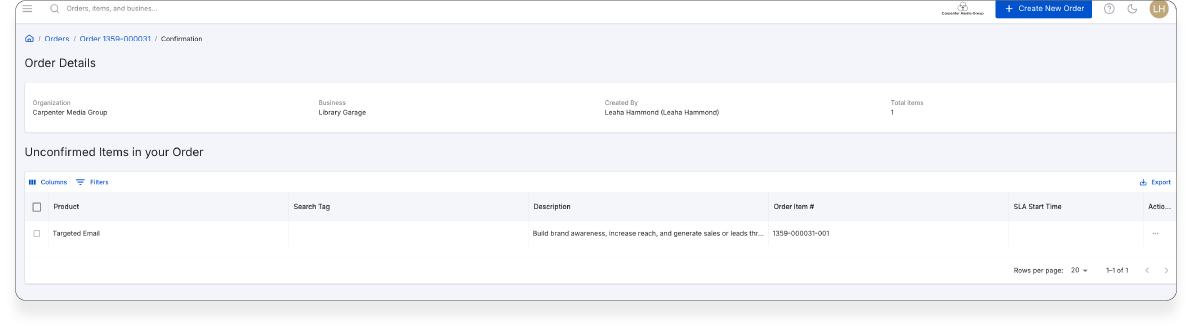
8. You will the see your order details.
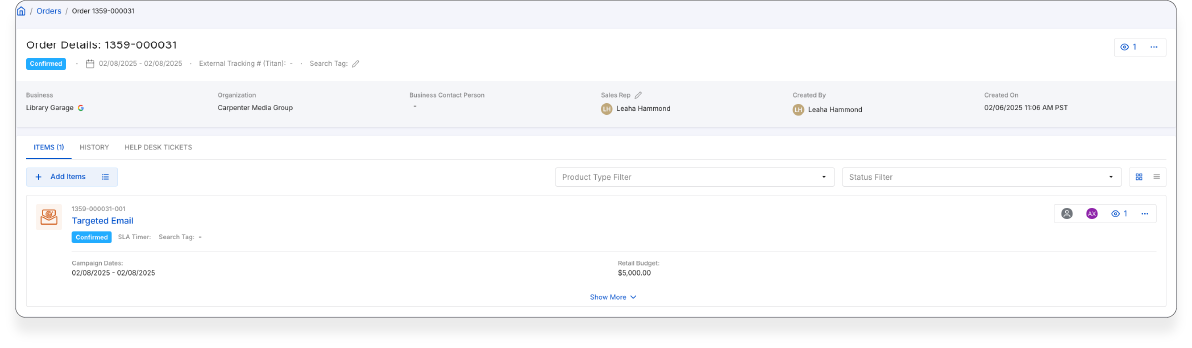
9. Click Confirm Order. You willl be directed to your order page where you can check the progress of your product.
Was this article helpful?
That’s Great!
Thank you for your feedback
Sorry! We couldn't be helpful
Thank you for your feedback
Feedback sent
We appreciate your effort and will try to fix the article