
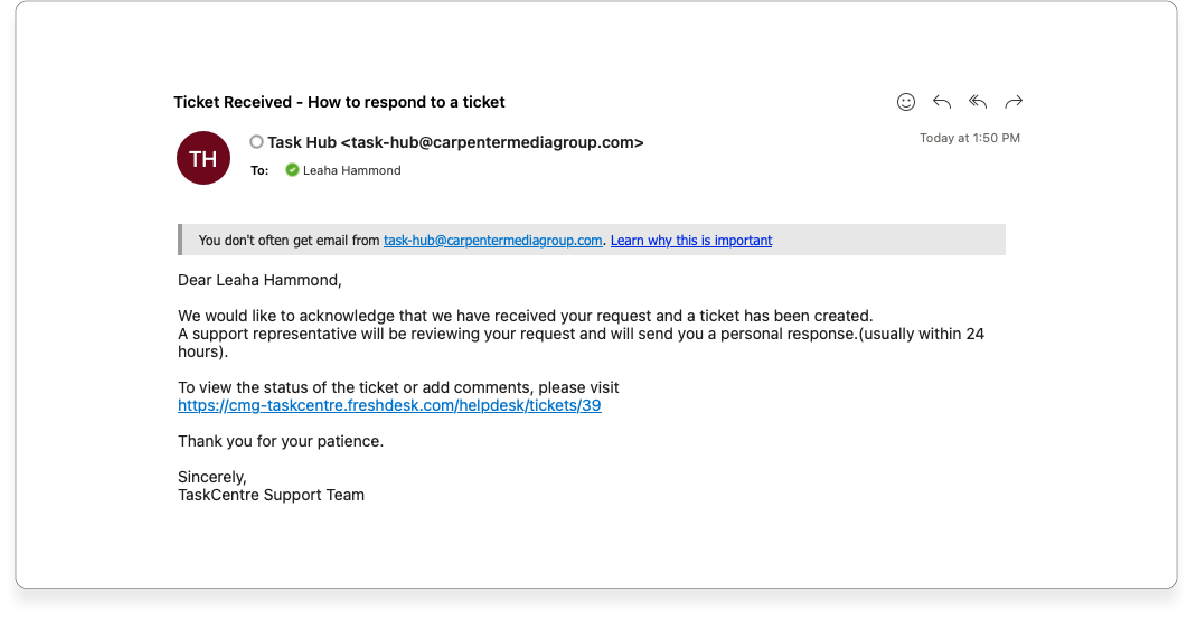
As the ticket creator, you have also received an email with the ticket details. If you reply to this email, the reply will be updated in the ticket.
Alternatively, you may log in to the TaskHub, choose "Tickets" at the top of the page, and click on the ticket in question. Add a comment on the ticket with the details of the update and hit enter. The ticket will save the information you’ve submitted.

Alternatively, you may log in to the TaskHub, choose "Tickets" at the top of the page, and click on the ticket in question. Add a comment on the ticket with the details of the update and hit enter. The ticket will save the information you’ve submitted.
Was this article helpful?
That’s Great!
Thank you for your feedback
Sorry! We couldn't be helpful
Thank you for your feedback
Feedback sent
We appreciate your effort and will try to fix the article