
See below the step-by-step instructions on how to open a ticket to request the cancellation of a O&O.
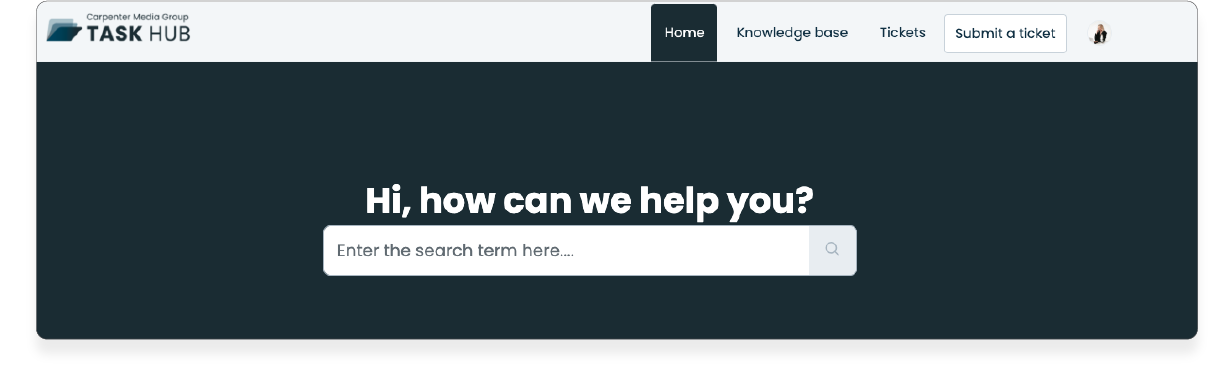
1. In the Task Hub home, click on 'Submit a Ticket'.
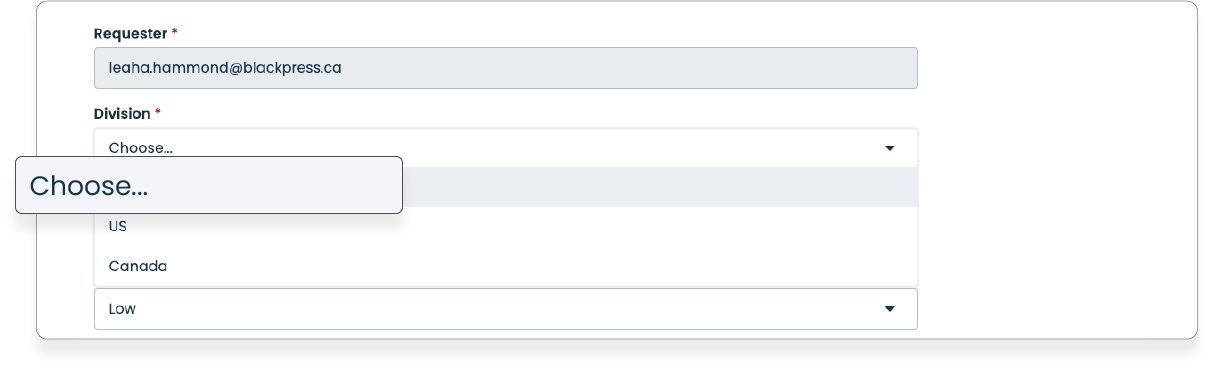
2. In the dropdown menu 'Division', select the division for which you need to request the cancellation.
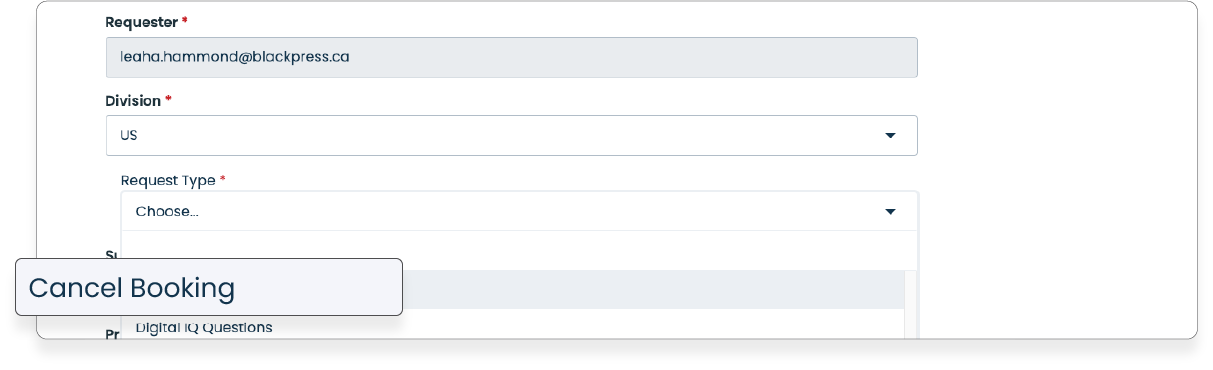
3. In the dropdown menu 'Request Type' select the option 'Cancel Booking.'
4. In case of urgency, select 'Urgent' from the 'Priority' menu.
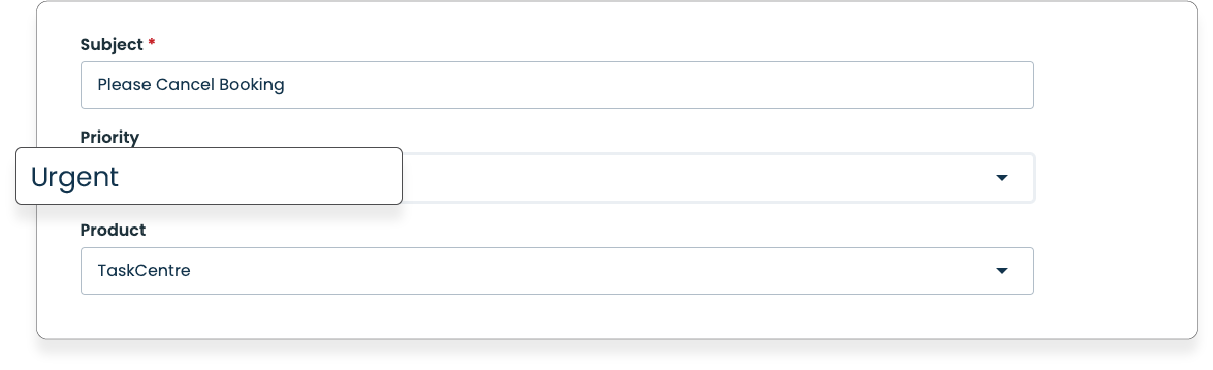
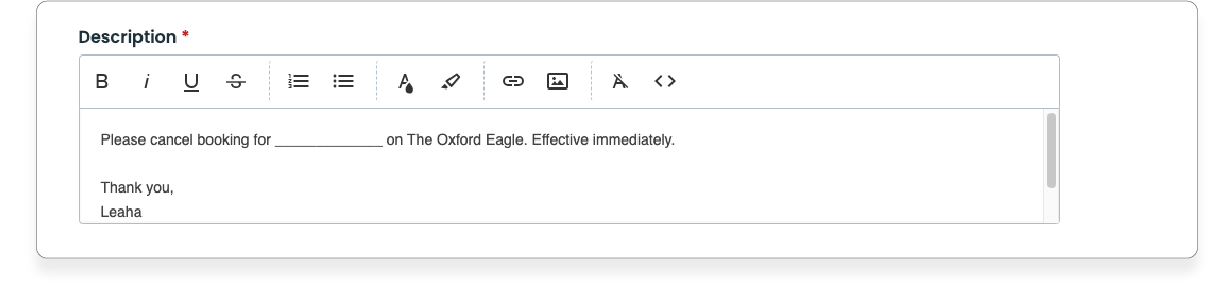
5. Detail your request in the 'Description' field, as written below.
6. Click 'Submit,' and you're all set!

Was this article helpful?
That’s Great!
Thank you for your feedback
Sorry! We couldn't be helpful
Thank you for your feedback
Feedback sent
We appreciate your effort and will try to fix the article