
See below the step-by-step instructions to order a digital advertising proposal.
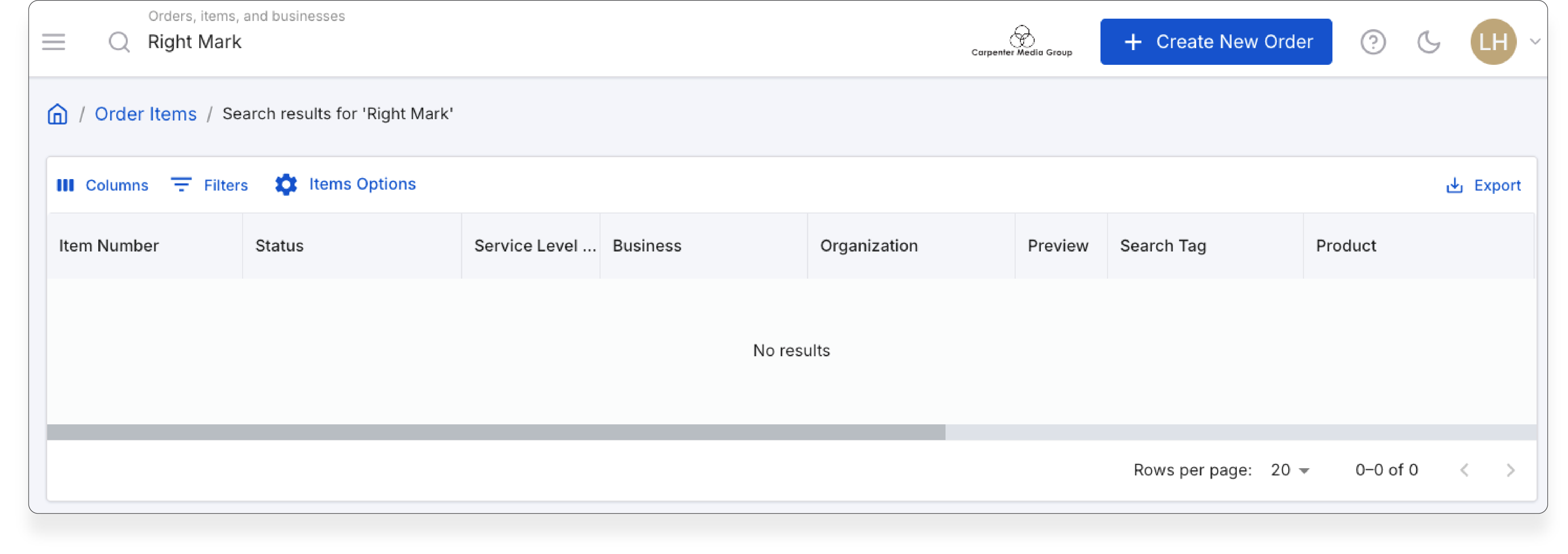
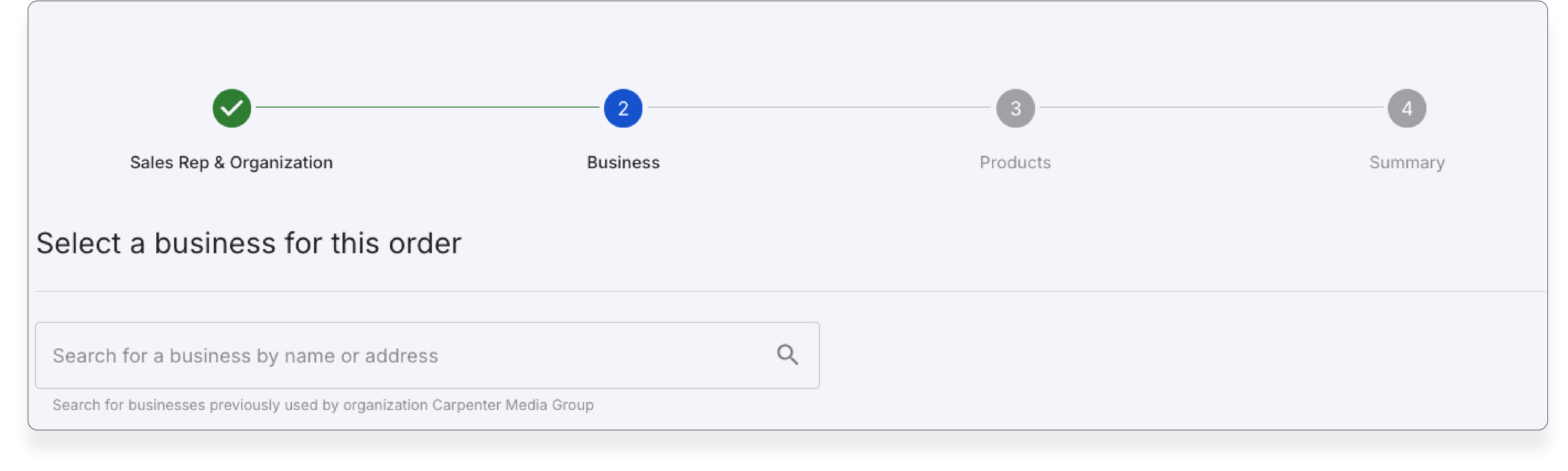
3. End up to the products table scroll down until you find: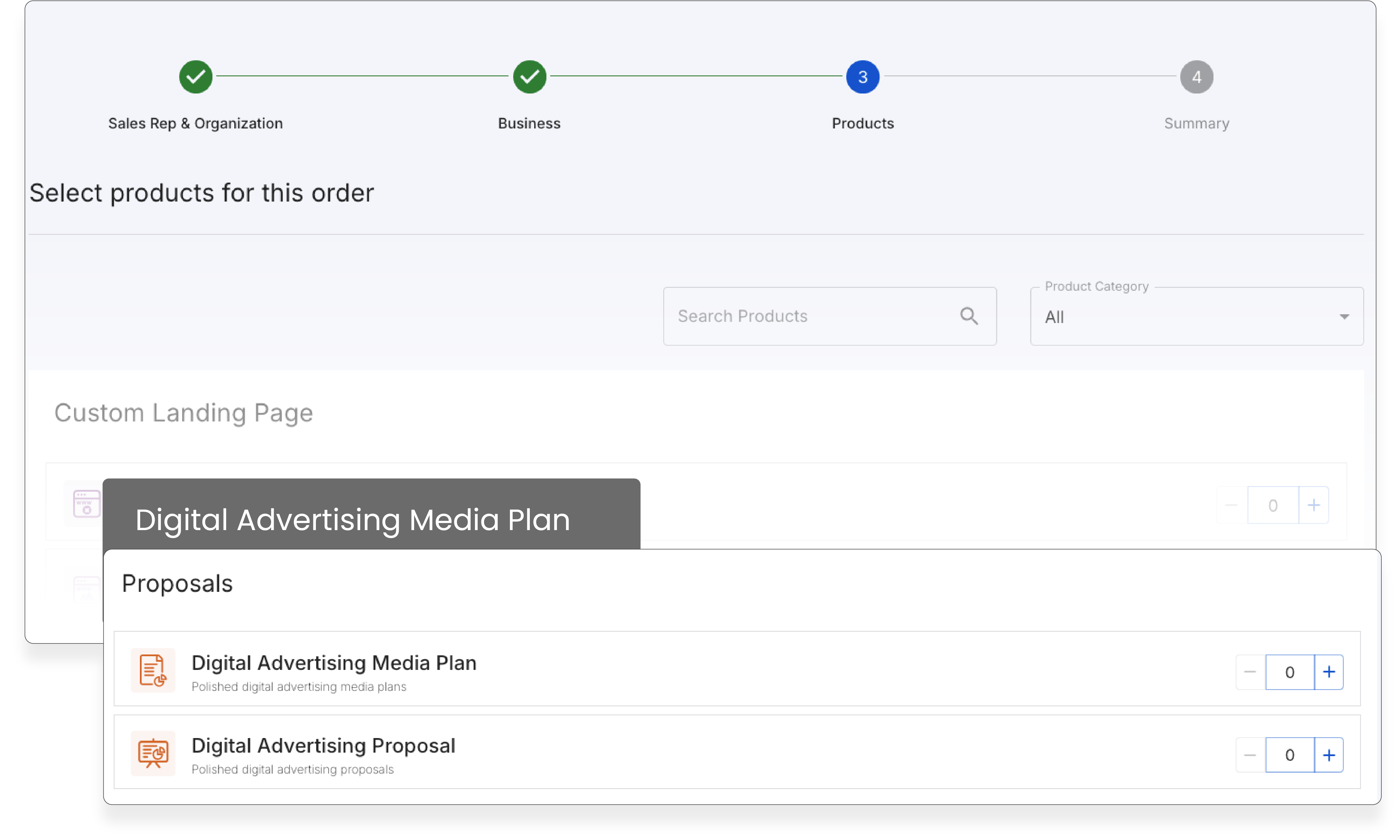
4. Click +1
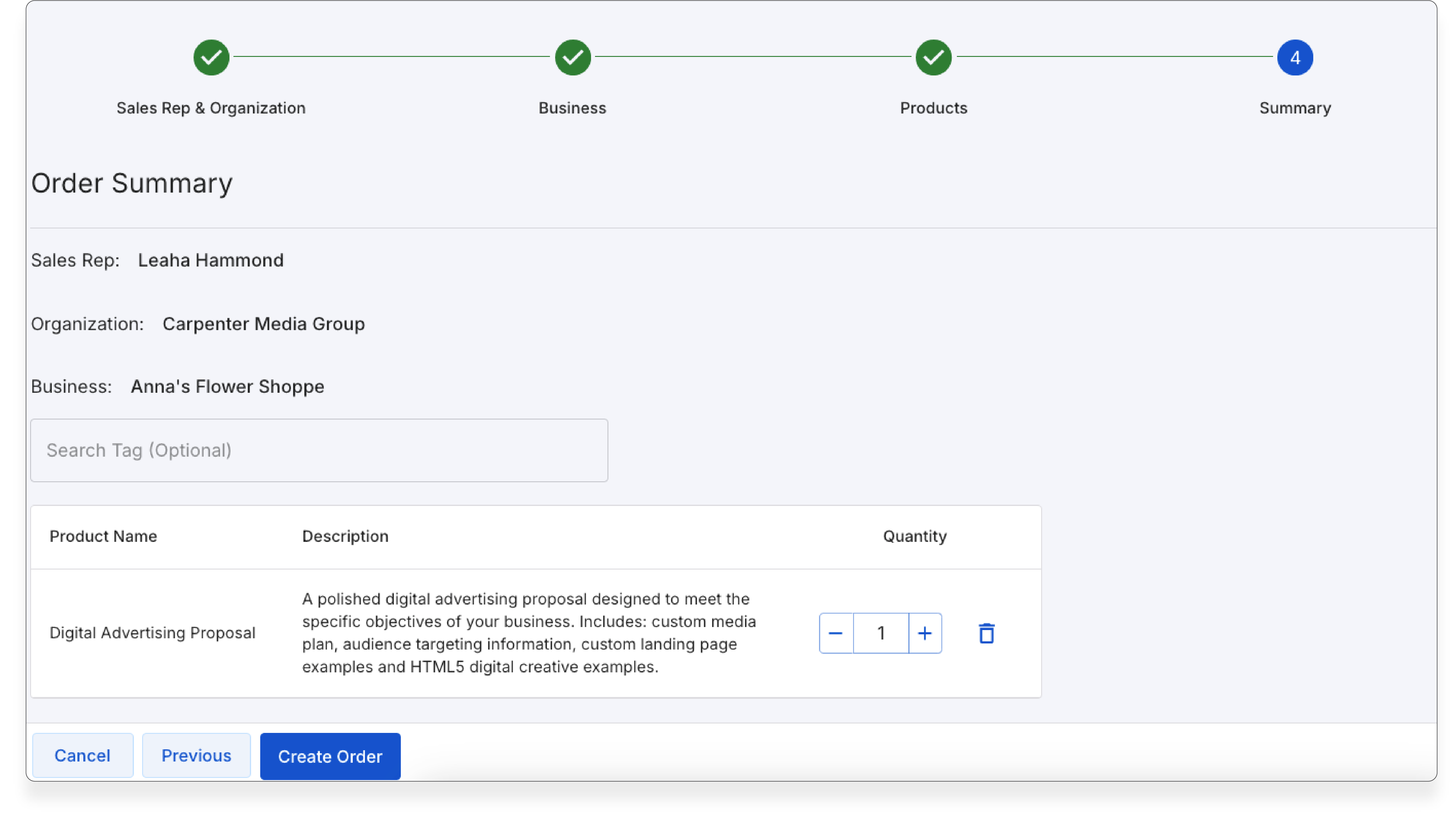
5. Review your order summary like this below and click Create Order:
6. Once you have confirmed order you will now fill in all the business detail information. I highly suggest
filling in everything even if its not required. At this time only click digital products you want to include that you
are comfortable speaking to:
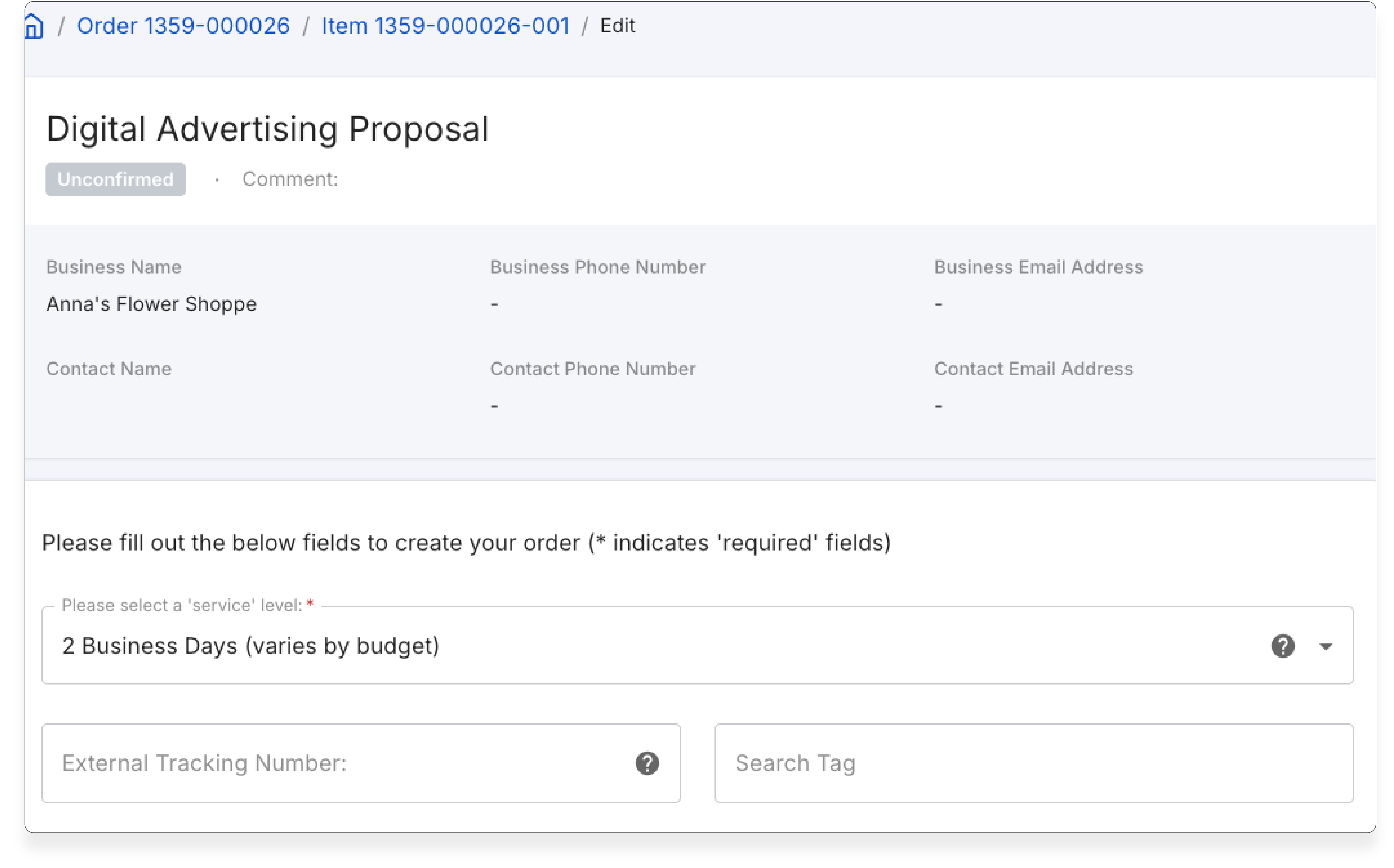
6. Then hit Review And Confirm, and click Confirm Order:
Then you will receive a notification once the deck has been completed!
Was this article helpful?
That’s Great!
Thank you for your feedback
Sorry! We couldn't be helpful
Thank you for your feedback
Feedback sent
We appreciate your effort and will try to fix the article