
Win with contests: data & opt-ins for your client!
See below the step-by-step to submit the IO according to the desired region/publication.
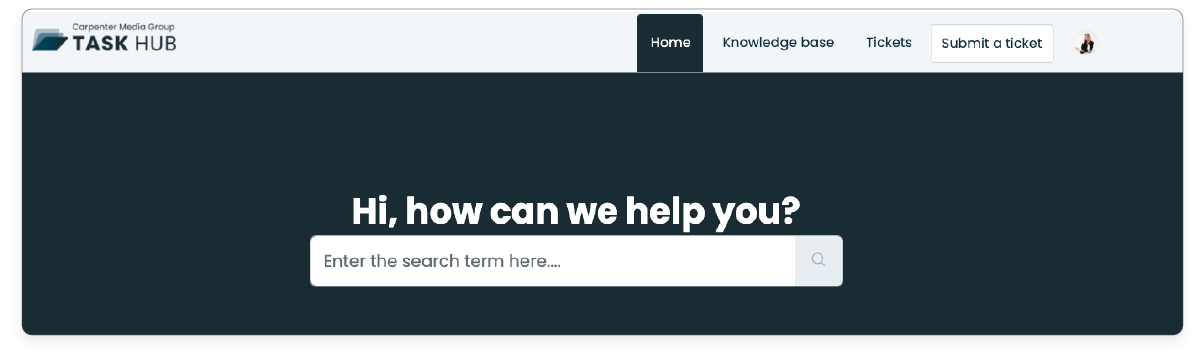
1. In the Task Hub home, click on 'Submit a Ticket'.
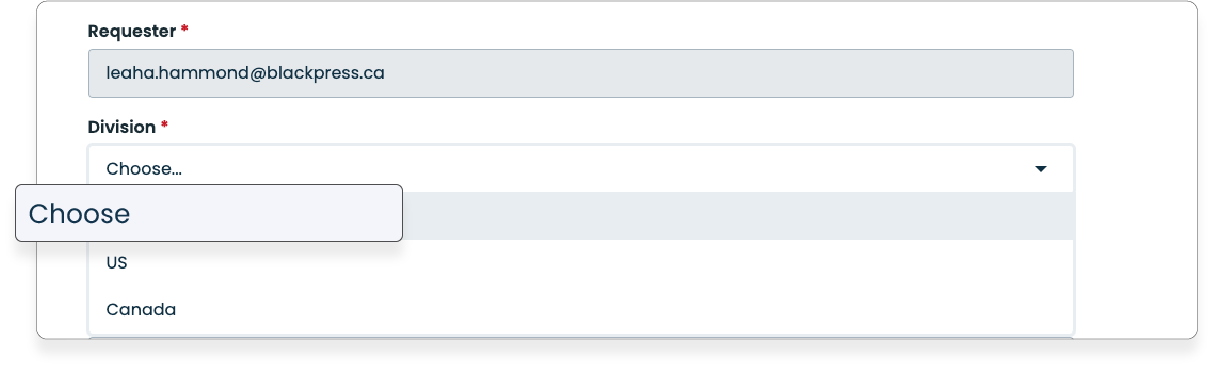
2. In the dropdown menu 'Division', select the division for which you need to request the IO.
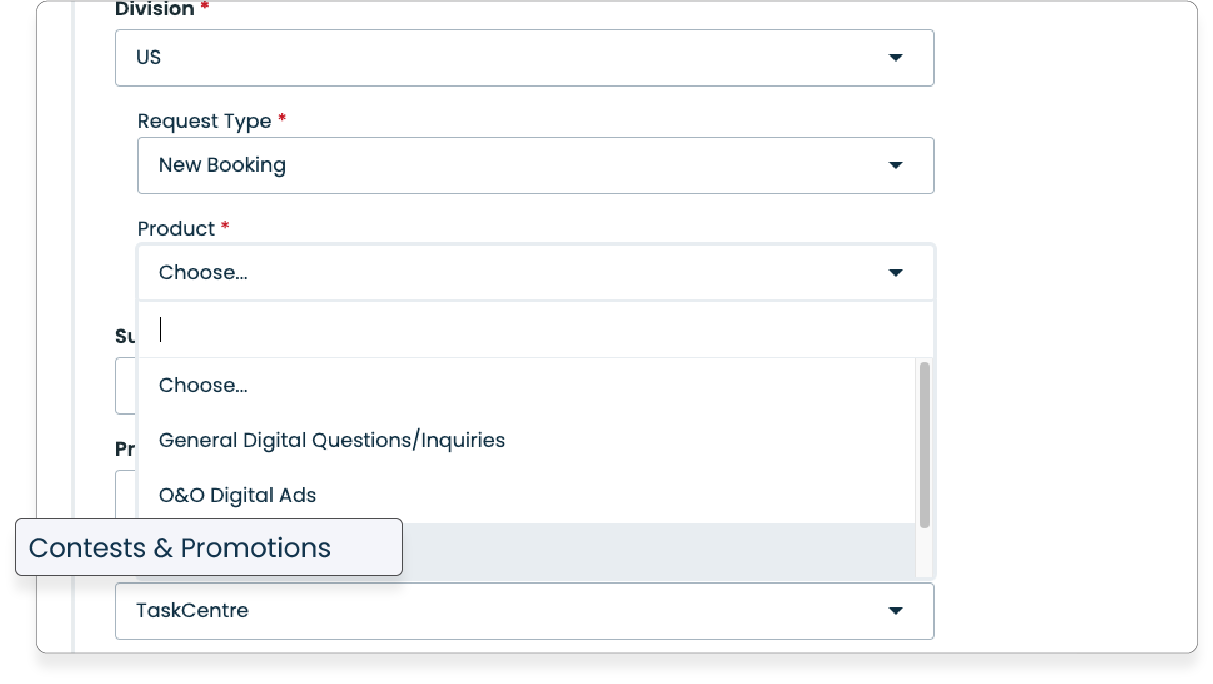
3. In the dropdown menu 'Product' select the option 'Contests & Promotions.'
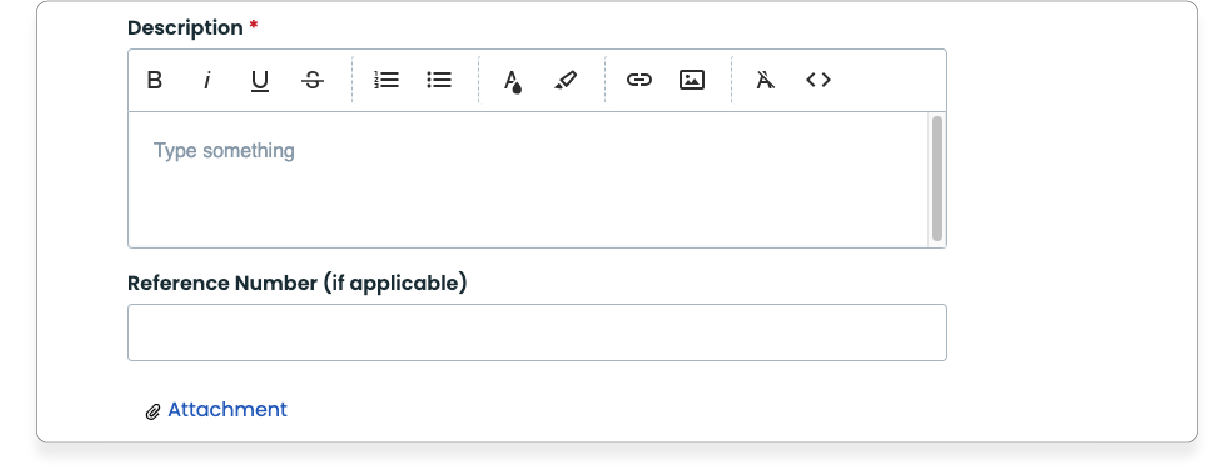
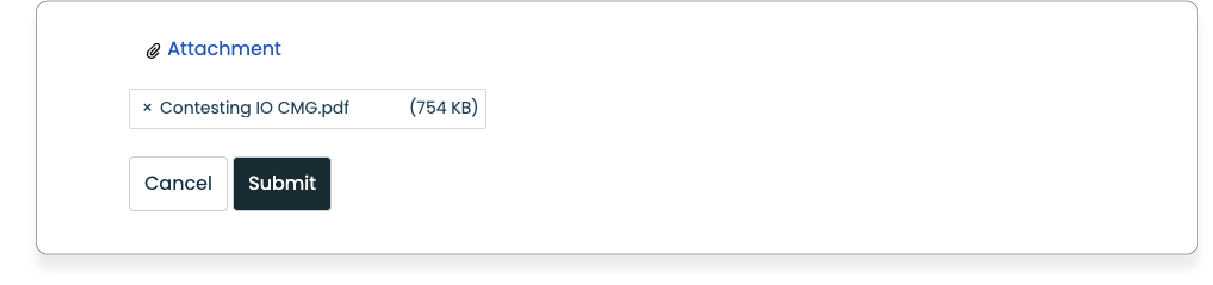
4. Detail your request in the 'Description' field, and attach and attach any other necessary files for the request.
5. Click 'Submit,' and you're all set!
Was this article helpful?
That’s Great!
Thank you for your feedback
Sorry! We couldn't be helpful
Thank you for your feedback
Feedback sent
We appreciate your effort and will try to fix the article